Rain-lit city drive
A matte silver electric concept car accelerates through a rain-slick futuristic city at blue hour. The camera tracks low beside the front wheel, reflections streak across the pavement, and fine mist trails behind the car.
Create short AI videos from text prompts or one image, with clear duration, resolution, and credit controls.
1-15 seconds
720p is part of the paid creation benefits.
No Videos Generated
Explore original text-to-video and image-to-video examples, then reuse a prompt in the generator.
A matte silver electric concept car accelerates through a rain-slick futuristic city at blue hour. The camera tracks low beside the front wheel, reflections streak across the pavement, and fine mist trails behind the car.
A clear unbranded perfume bottle hovers above black volcanic stone as a ribbon of water curls around it in slow motion. Cold silver rim light reveals the glass and a fine mist drifts through frame.
A red panda astronaut floats gently through an orbital greenhouse. Leaves and tiny water droplets drift in zero gravity while sunlight moves across the glass and the camera makes a slow arc around the character.

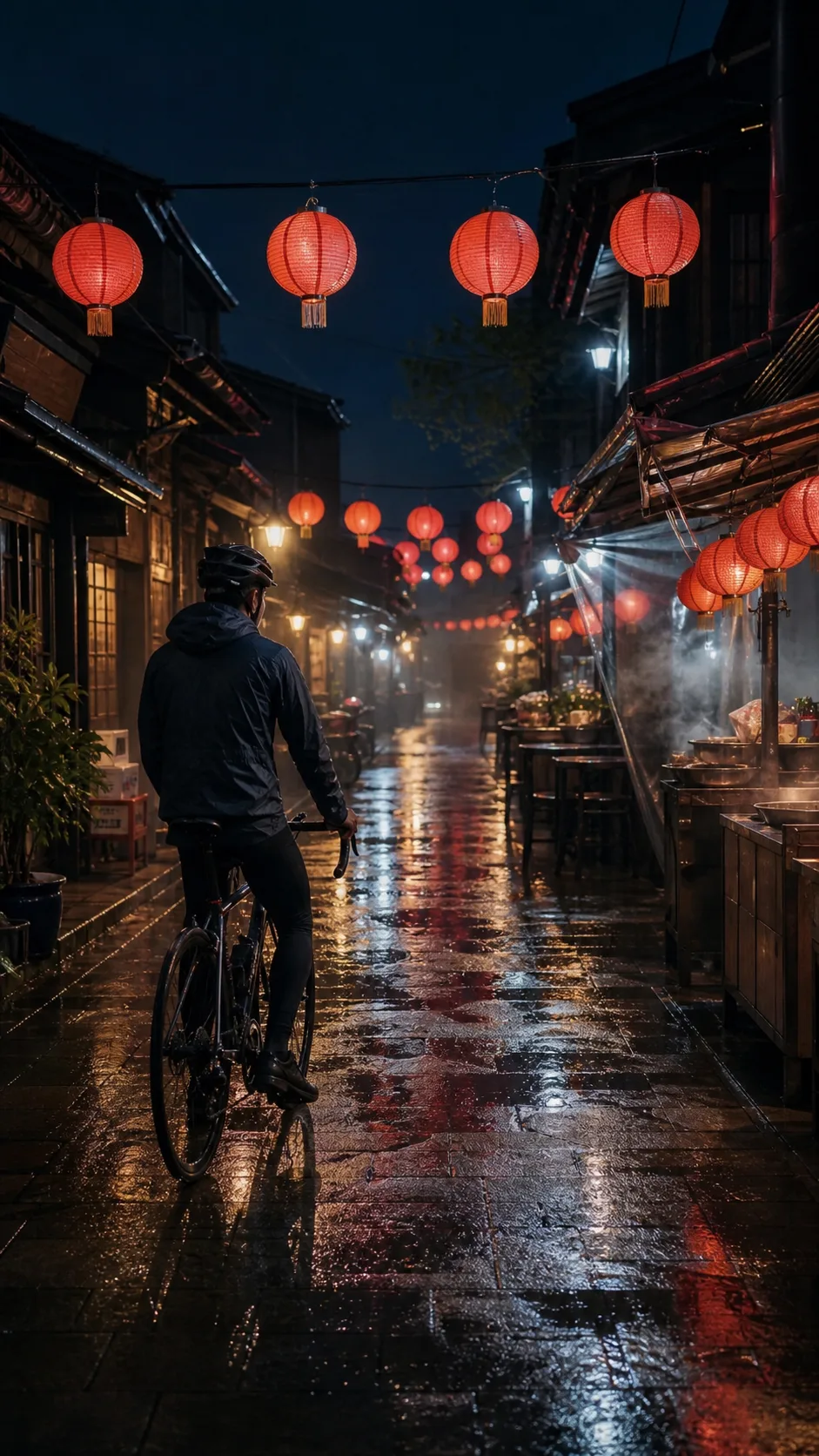
The camera slowly pushes toward the cyclist as paper lanterns sway, rain falls through warm light, and steam rolls across the narrow alley. Keep the cyclist and bicycle stable and realistic.

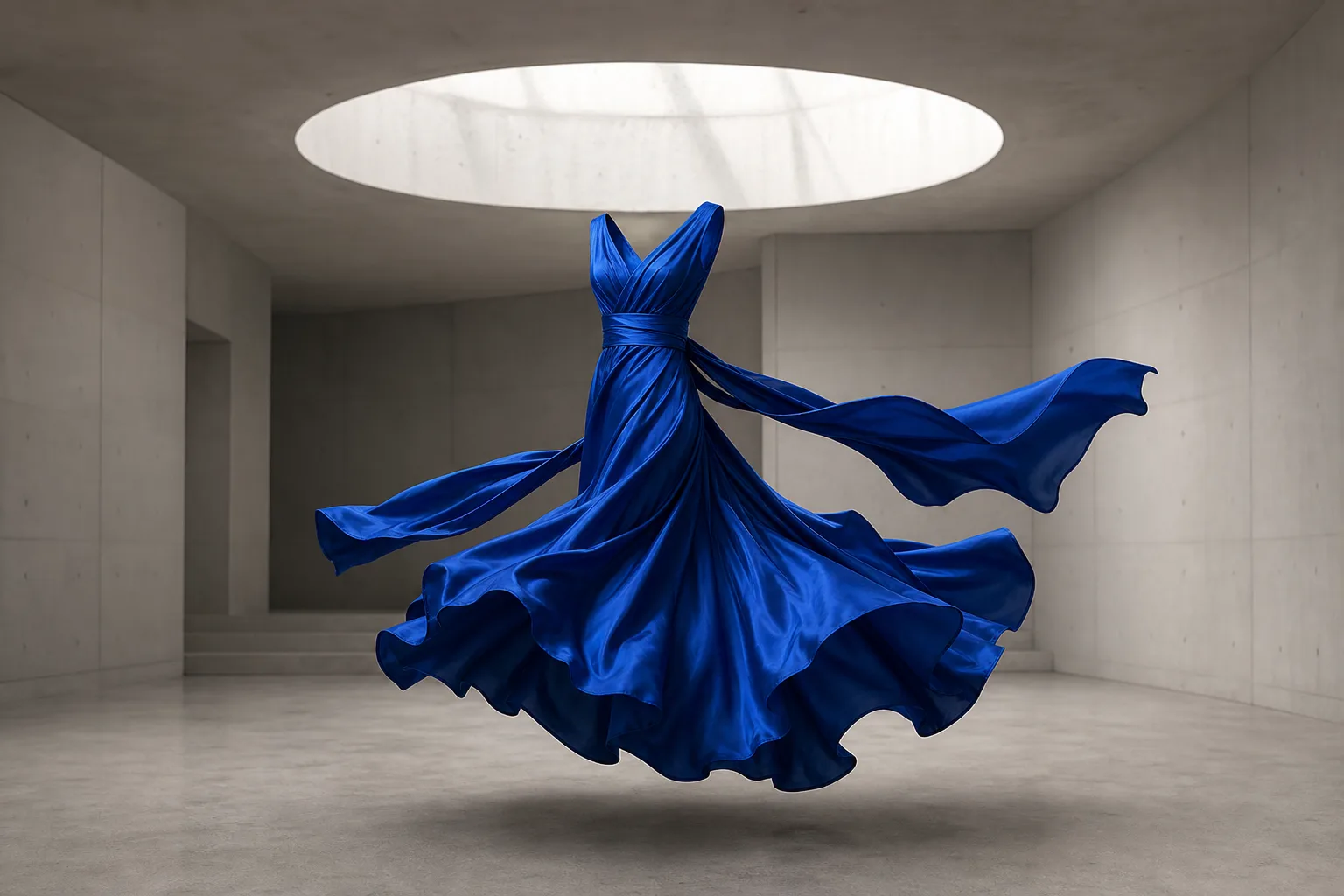
The cobalt silk dress turns gently in the gallery as a soft breeze lifts the trailing fabric. The camera slides from left to right and the folds move with realistic weight.

Thin steam rises from the espresso and curls slowly above the cup while the crema spiral rotates subtly. The overhead camera drifts a few centimeters and morning light shifts across the stone.
Choose how to begin, describe one clear scene, and review the cost before generation.
Start with Text to Video for a written idea or Image to Video when one still should define the scene.
Describe the subject and motion, then upload one reference image when the selected mode needs it.
Choose a duration from 1 to 15 seconds and select 480p or 720p output.
Review the credit cost, start the task, preview the finished clip, and download the stored result.
Grok Video works best when the input gives one subject, one main action, and one camera idea.
Turn a written scene into motion when you do not already have a starting image.
Animate one clear still image while preserving its subject and overall composition.
Choose a 1-15 second clip based on how much visible action the scene needs.
Use 480p for quicker tests or 720p when more output detail matters.
See the calculated credit requirement before you submit a generation task.
Return to your private history to review and download completed image and video tasks.
Buy credits once and use them across Grok Video's image and video models. Credits are delivered instantly, never expire, and can be topped up anytime.
Includes:
Includes:
Everything in Pro, plus:
Answers about inputs, settings, credits, results, and private generation history.
Choose a mode, describe one clear scene, and generate a short video you can preview and download.