
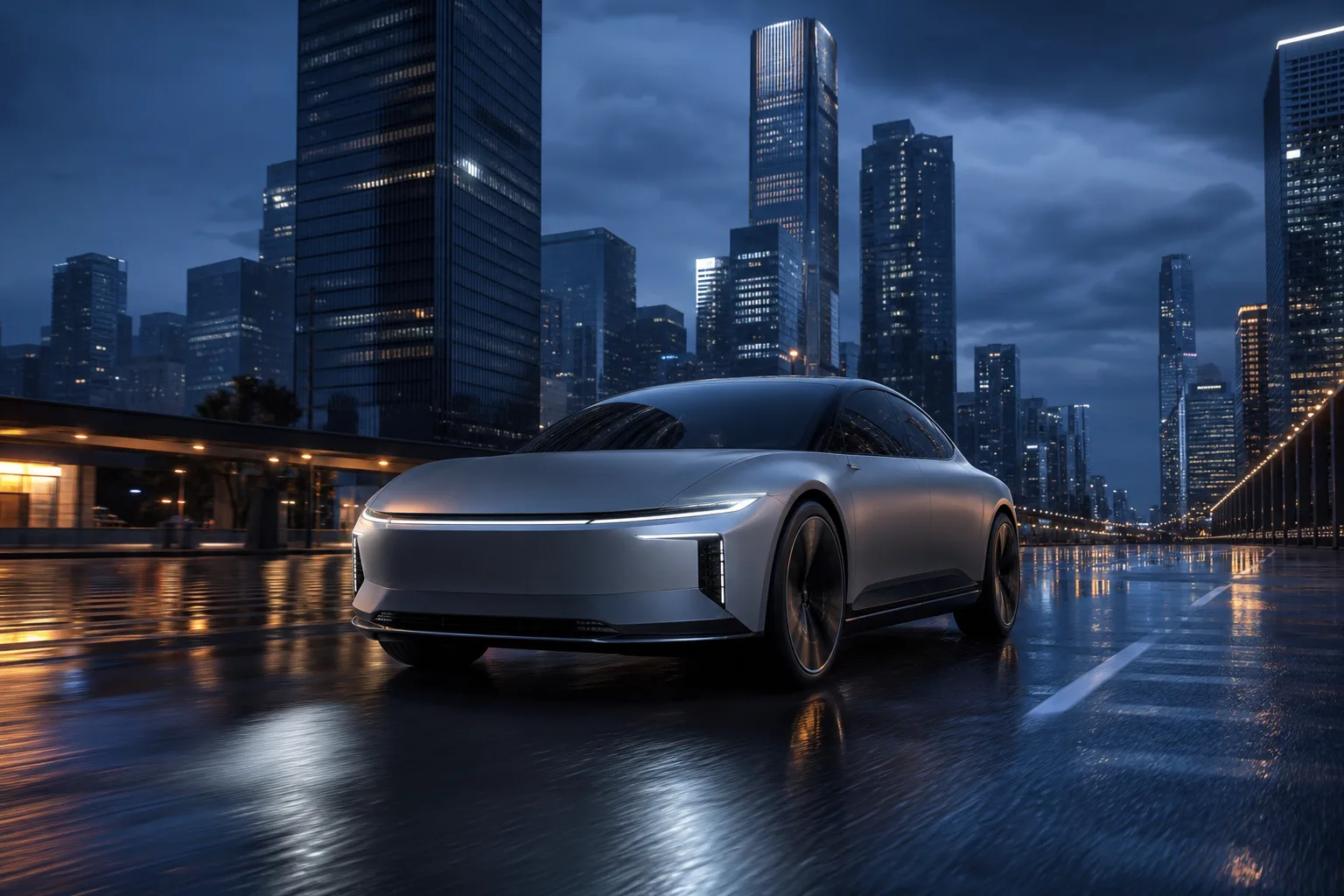
Electric concept car at blue hour
A matte silver electric concept car driving through a rain-slick futuristic city at blue hour, low three-quarter angle, controlled reflections, premium campaign photography.
3:2 image
Grok Image Generator
Create with Grok Imagine Image 2.0, edit with up to five references, or select areas for a targeted change, then generate and download.
Explore the examples, compare the visual choices, and open a card for a prompt or input guide. Published source records and editorial reference prompts are distinguished below. File dimensions and duration describe the downloaded asset.
Start with a scene brief. For editing or animation, add the matching reference inputs requested by the generator.
Compare framing, text, subject geometry and lighting. Inspect important details at the final display size before accepting a composition or edit.
These are selected external examples, not a promise that a prompt will reproduce the same result. Model versions, references and settings can change the outcome.
Source review: 2026-09-08. Preview dimensions are measured from the original files.

Creative reference
For framing or visual direction; not a verified output from this tool.
1024 × 1024
Editorial reference prompt
Create a composition showing cabin in a sunlit forest. Specify the main subject, its placement and the lighting. Keep the background coherent and check small details at the intended output size.
Written from the visible scene as a starting point; this is not an original generation log.

Model example
Grok Imagine Image 2.0 model-page example.
768 × 1152
Editorial reference prompt
Create a composition showing costumed visitors beside a bus stop. Specify the main subject, its placement and the lighting. Keep the background coherent and check small details at the intended output size.
Written from the visible scene as a starting point; this is not an original generation log.

Model example
Grok Imagine Image 2.0 model-page example.
1024 × 1024
Editorial reference prompt
Create a composition showing white car in a desert landscape. Specify the main subject, its placement and the lighting. Keep the background coherent and check small details at the intended output size.
Written from the visible scene as a starting point; this is not an original generation log.

Model example
Grok Imagine Image 2.0 model-page example.
768 × 1152
Editorial reference prompt
Create a composition showing man playing a trumpet in a cafe. Specify the main subject, its placement and the lighting. Keep the background coherent and check small details at the intended output size.
Written from the visible scene as a starting point; this is not an original generation log.
Explore original image examples and send a prompt back to the generator when a direction fits your idea.
A matte silver electric concept car driving through a rain-slick futuristic city at blue hour, low three-quarter angle, controlled reflections, premium campaign photography.
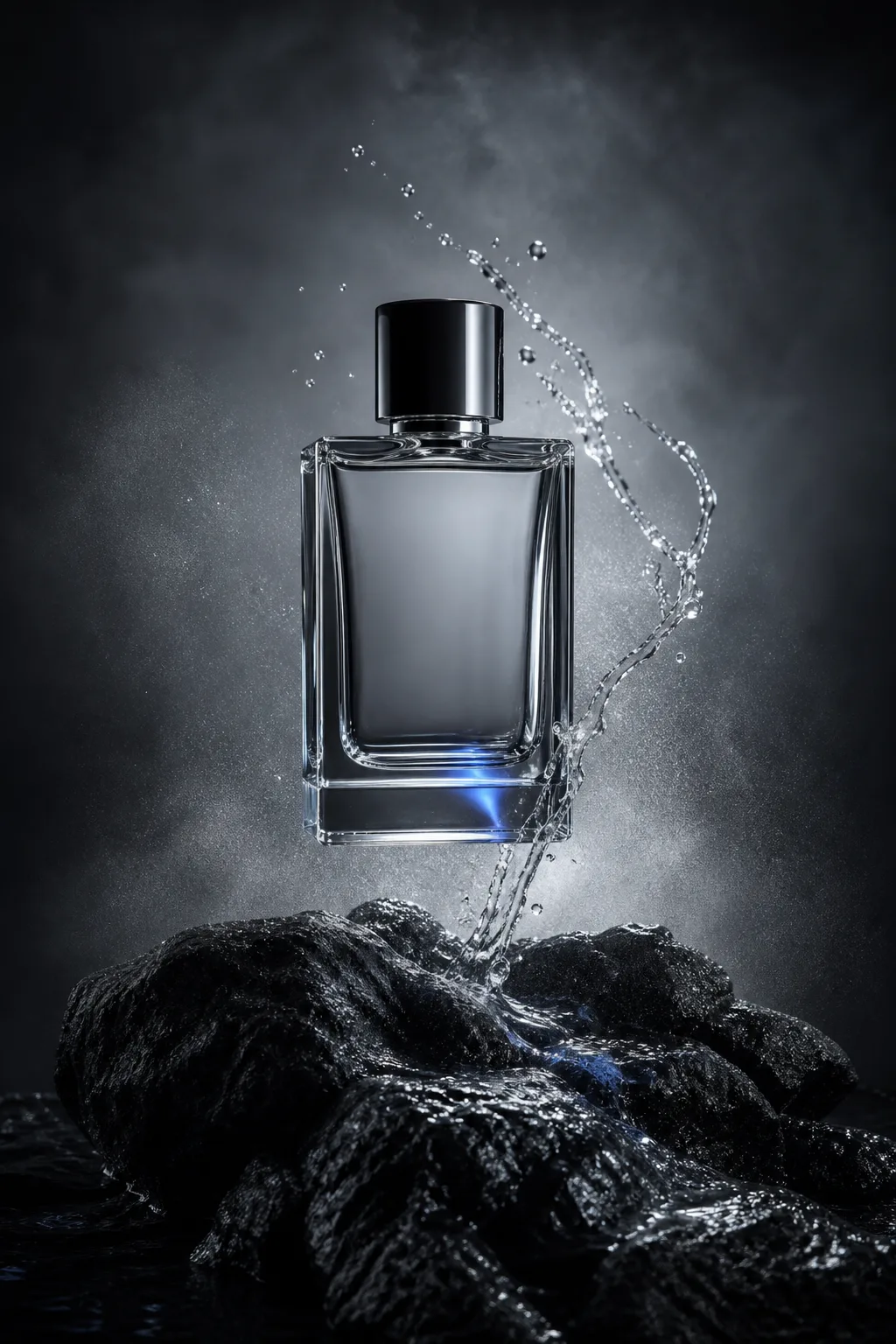
An unbranded clear perfume bottle hovering above black volcanic stone with a ribbon of water and mist, cold silver rim light, premium studio photography.
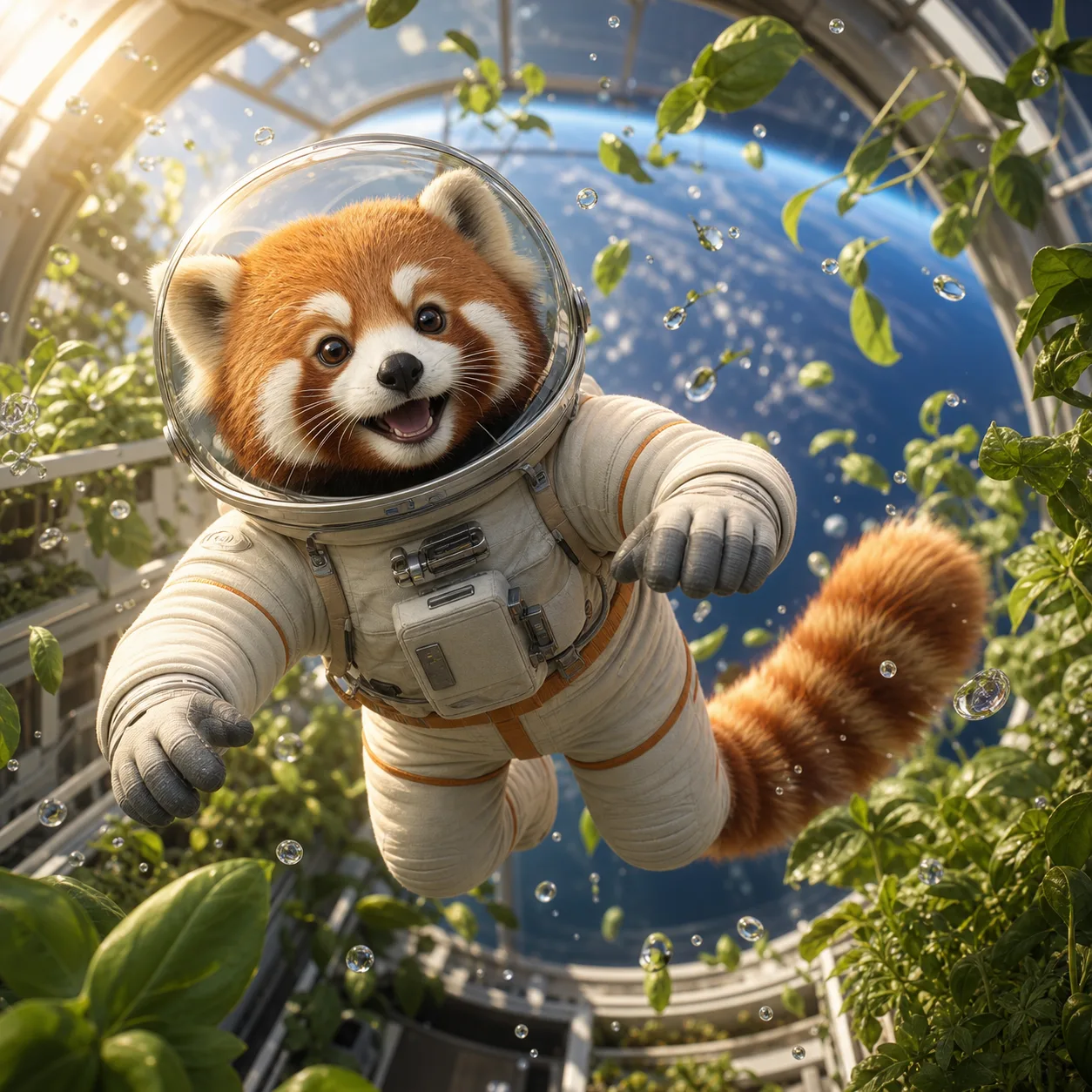
A red panda astronaut floating inside a bright orbital greenhouse, surrounded by leaves and tiny droplets in zero gravity, cinematic 3D animation still.
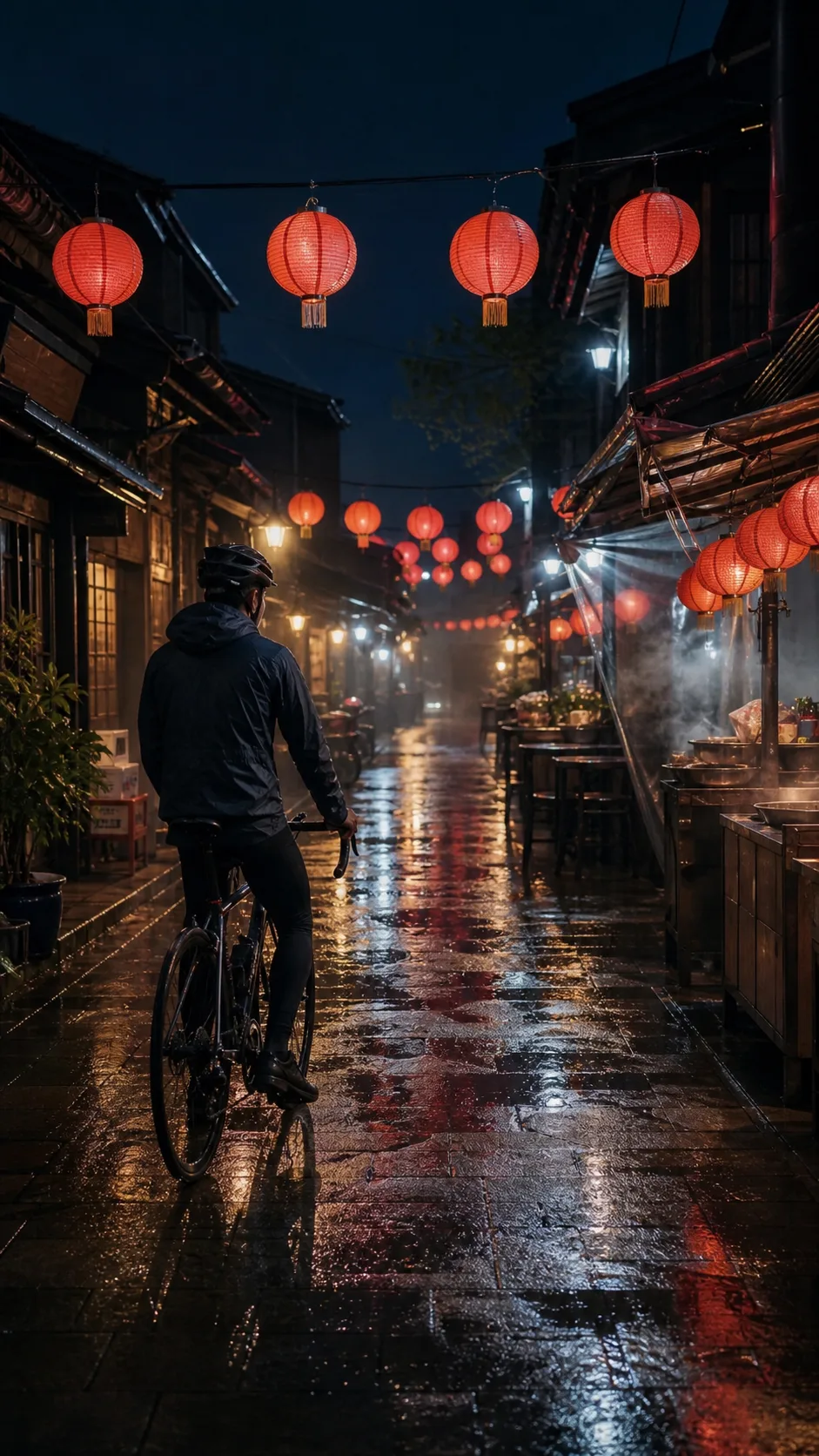
A lone cyclist paused beneath paper lanterns in a narrow rain-soaked night market alley, steam drifting from food stalls, cinematic film still.
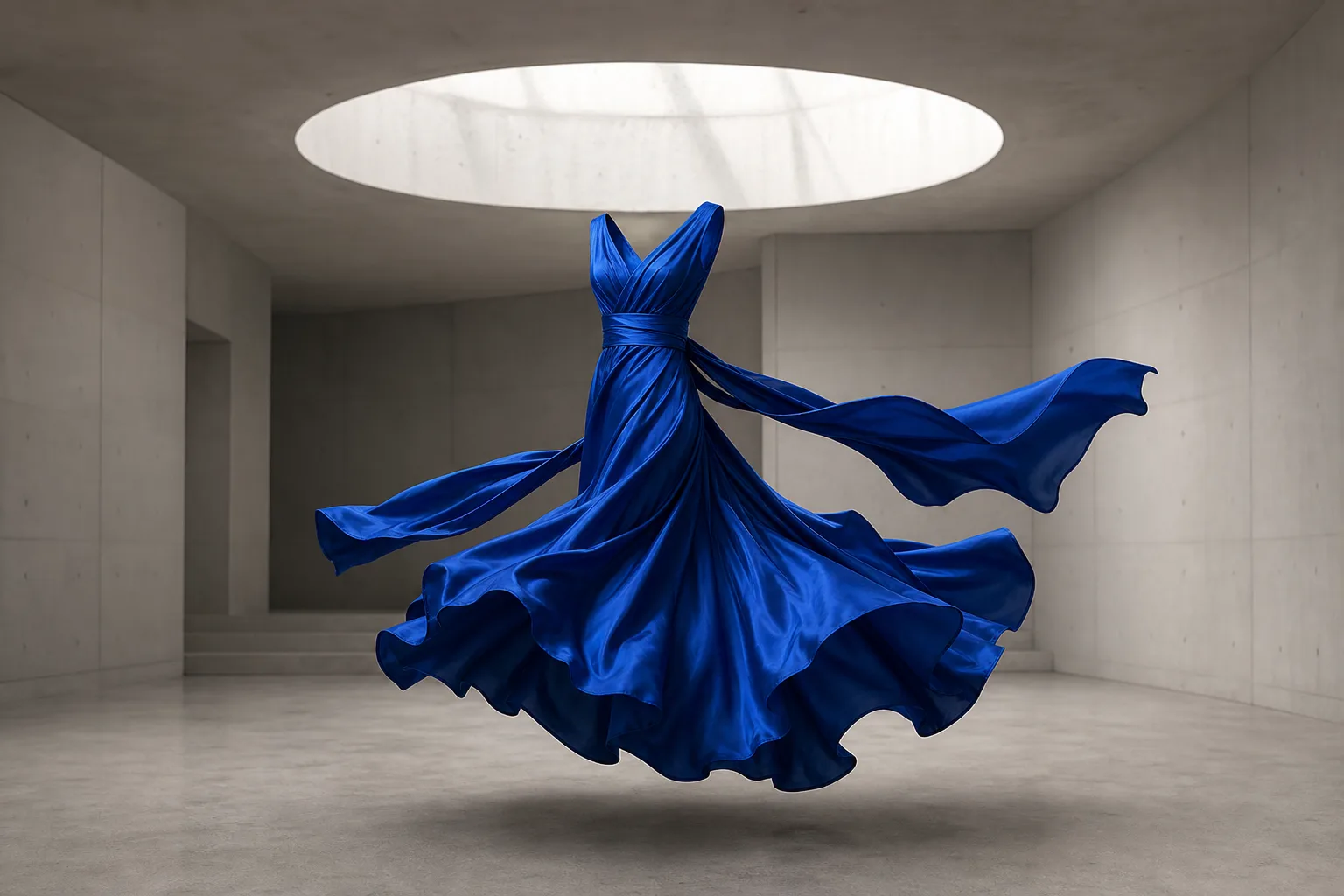
A sculptural cobalt blue silk dress suspended in a minimal concrete gallery, fabric caught at the start of a turn, soft skylight, editorial photography.
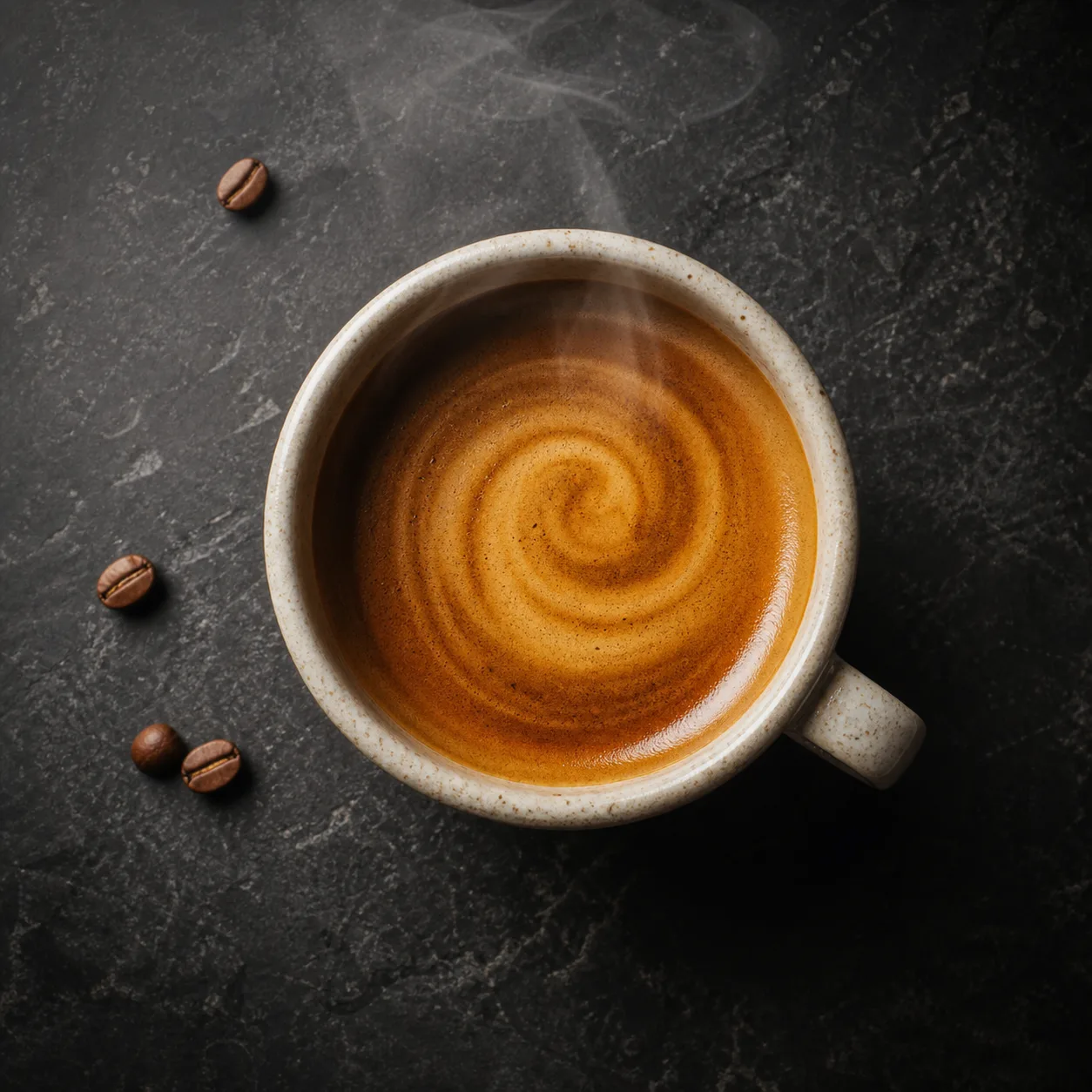
Overhead view of an ivory ceramic espresso cup on a dark stone counter, crema forming a clean spiral, soft morning window light, premium food photography.
Choose the right starting mode, keep the prompt focused, and set the output ratio before generation.
Use Create for a new idea, Edit with references for guided changes, or Select areas to target parts of an owned image.
Describe the subject and visual direction, then add one to five references when editing or one owned local source when selecting areas.
Create supports 1:1, 2:3, 3:2, 16:9, and 9:16; reference editing also supports Auto.
Start the task, review the generated image, and download the stored result when it is ready.
Specific subjects, composition, lighting, and constraints make each image test easier to evaluate.
Begin with the person, product, animal, place, or object that should dominate the frame.
Add framing such as close-up, top-down, full body, centered product shot, or wide scene.
State the time of day, light direction, contrast, and emotional tone you want to see.
Choose a clear image with the subject and composition you want the new result to follow.
Mention important exclusions such as no text, no logos, or no extra objects when they matter.
Check hands, faces, product geometry, text, and brand accuracy before publishing the result.
Answers about image modes, references, ratios, credits, and downloads.
Choose a mode, write a focused prompt, and generate an image you can review and download.