
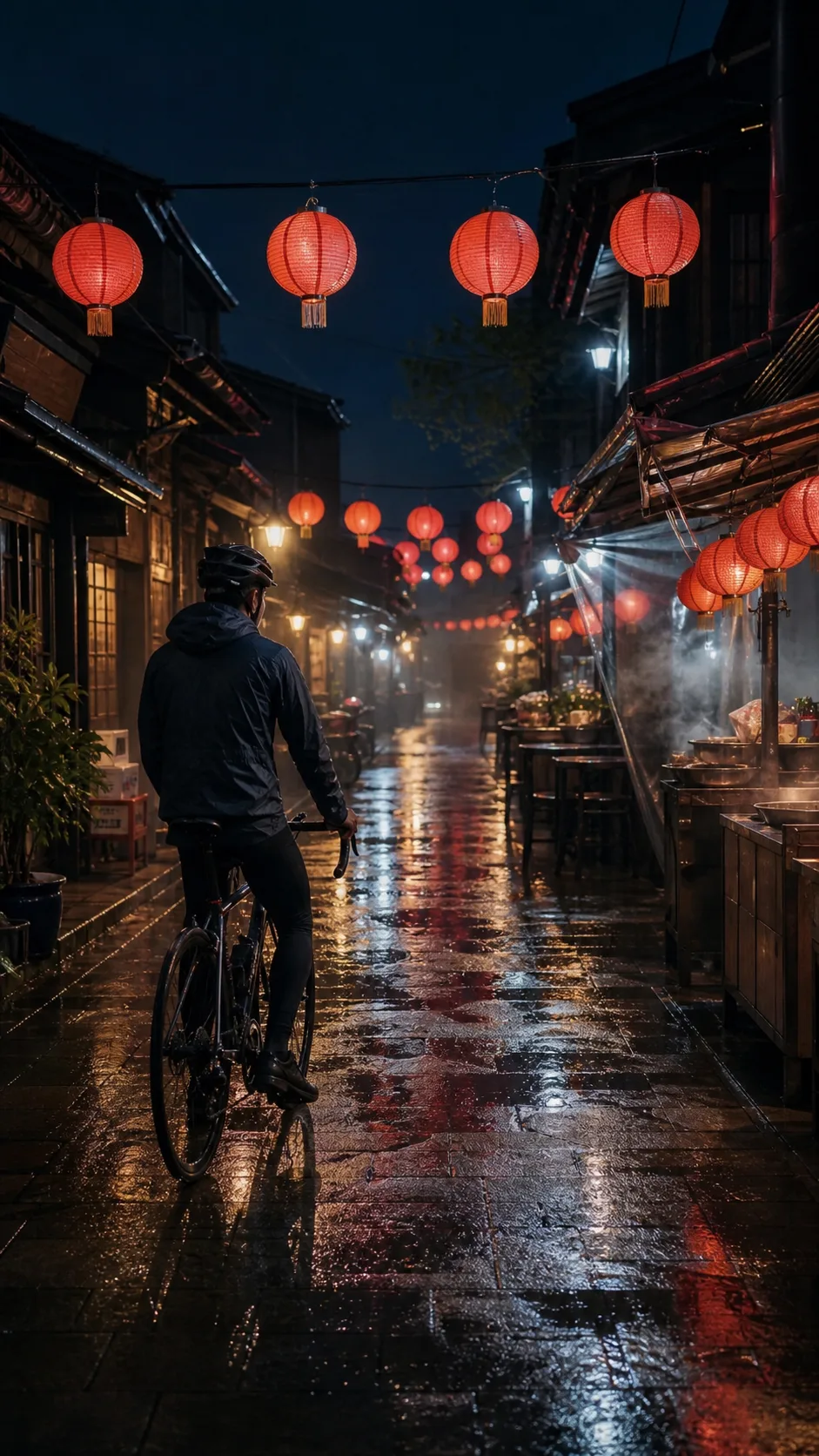
Lantern alley camera push
The camera slowly pushes toward the cyclist as paper lanterns sway, rain falls through warm light, and steam rolls across the narrow alley. Keep the cyclist and bicycle stable and realistic.
9:16 video
Grok Image to Video
Upload one still image, describe the motion, then choose duration and resolution before generating your video.
Explore the examples, compare the visual choices, and open a card for a prompt or input guide. Published source records and editorial reference prompts are distinguished below. File dimensions and duration describe the downloaded asset.
Start with a scene brief. For editing or animation, add the matching reference inputs requested by the generator.
Play the clip and inspect the beginning, middle and end. Compare the subject, motion, camera path and sound; a thumbnail cannot establish temporal consistency.
These are selected external examples, not a promise that a prompt will reproduce the same result. Model versions, references and settings can change the outcome.
Source review: 2026-09-08. Preview dimensions are measured from the original files.
Model example
Grok Imagine Video 1.5 model-page example.
640 × 360 · 15.1 s
Editorial reference prompt
Create a short video showing woman outdoors in warm evening light. Establish the subject before introducing movement. Use one readable camera move and keep the scene consistent through the final frame.
Written from the visible scene as a starting point; this is not an original generation log.
Model example
Grok Imagine Video 1.5 model-page example.
1920 × 1080 · 10.1 s
Open original videoEditorial reference prompt
Create a short video showing fashion shoot beside a wheat field. Establish the subject before introducing movement. Use one readable camera move and keep the scene consistent through the final frame.
Written from the visible scene as a starting point; this is not an original generation log.
Creative reference
For framing or visual direction; not a verified output from this tool.
1280 × 720 · 6 s
Editorial reference prompt
Create a short video showing deer in an alpine meadow. Establish the subject before introducing movement. Use one readable camera move and keep the scene consistent through the final frame.
Written from the visible scene as a starting point; this is not an original generation log.
Creative reference
For framing or visual direction; not a verified output from this tool.
688 × 464 · 6.1 s
Editorial reference prompt
Create a short video showing motorcyclist on a city street. Establish the subject before introducing movement. Use one readable camera move and keep the scene consistent through the final frame.
Written from the visible scene as a starting point; this is not an original generation log.
Creative reference
For framing or visual direction; not a verified output from this tool.
1280 × 720 · 6 s
Editorial reference prompt
Create a short video showing futuristic train above a city. Establish the subject before introducing movement. Use one readable camera move and keep the scene consistent through the final frame.
Written from the visible scene as a starting point; this is not an original generation log.

Input reference
For framing or visual direction; not a verified output from this tool.
1024 × 1008
Editorial reference prompt
Create a composition showing cats on a fictional film poster. Specify the main subject, its placement and the lighting. Keep the background coherent and check small details at the intended output size.
The source pairs this asset with a published prompt or playground settings. The editable brief here is an editorial adaptation; open the source for its complete record.
Compare each source image with its generated clip, then reuse the motion prompt in the tool.
The camera slowly pushes toward the cyclist as paper lanterns sway, rain falls through warm light, and steam rolls across the narrow alley. Keep the cyclist and bicycle stable and realistic.
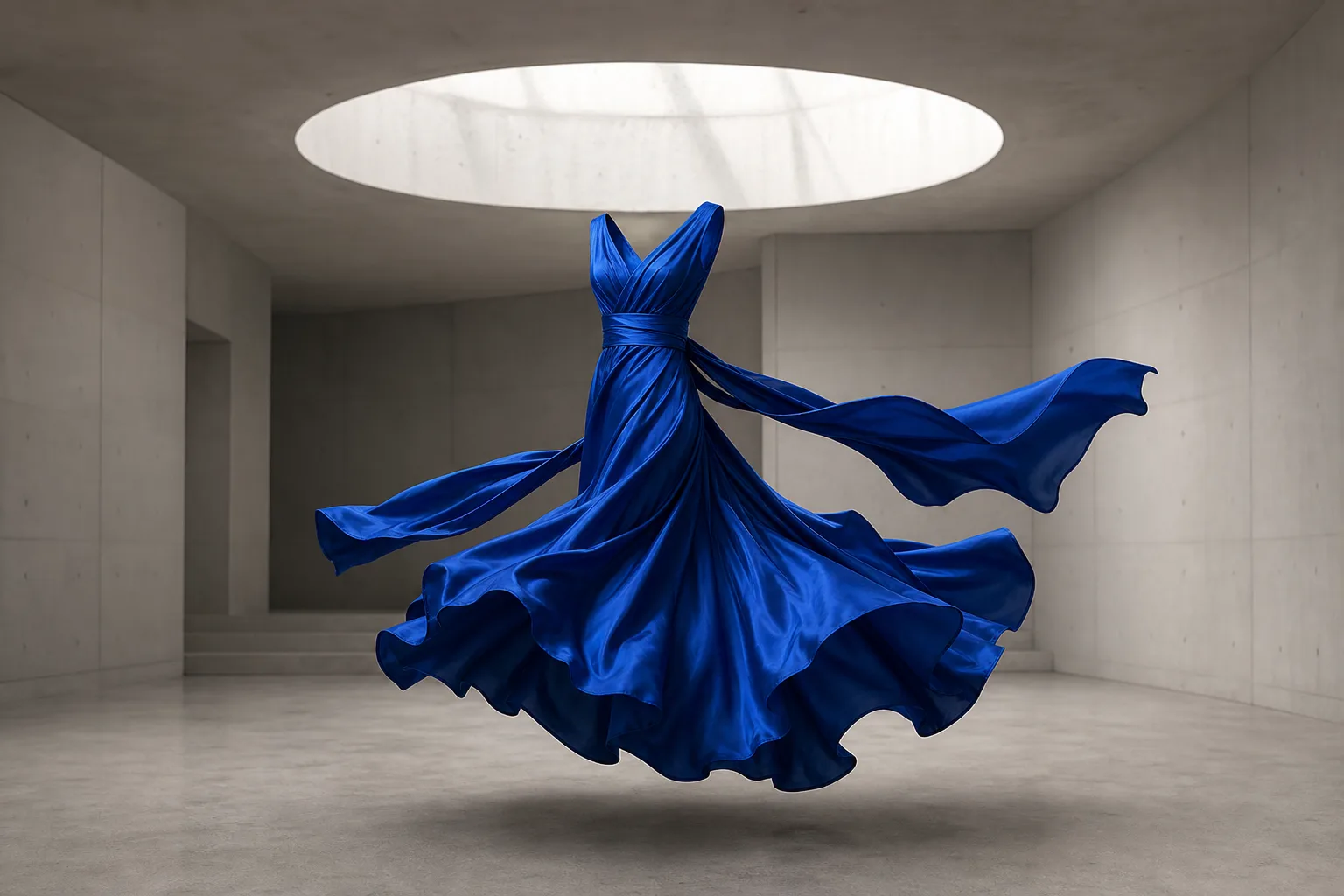
The cobalt silk dress turns gently in the gallery as a soft breeze lifts the trailing fabric. The camera slides from left to right and the folds move with realistic weight.

Thin steam rises from the espresso and curls slowly above the cup while the crema spiral rotates subtly. The overhead camera drifts a few centimeters and morning light shifts across the stone.
Use one clear image and describe only the motion, camera, and atmosphere you want to add.
Choose a JPEG, PNG, or WebP image up to 20MB with a clear subject and stable composition.
Explain how the subject should move and add one camera direction such as a push, pan, or slow arc.
Choose a duration from 1 to 15 seconds and select 480p or 720p output.
Start the task, review the motion, and download the finished video when processing completes.
A clear starting frame and a focused motion prompt give the generator a more stable scene to animate.
Choose an image where the main subject is easy to see and not hidden by clutter.
Allow visual space around the subject when the motion should travel through the frame.
Prioritize the most important motion instead of asking several parts of the scene to change at once.
A slow push, pan, tilt, drift, or orbit is easier to evaluate than several camera moves together.
Keep the generated video close to the uploaded image ratio when preserving the original framing matters.
Check faces, hands, product shape, background stability, and motion consistency before using the clip.
Answers about uploads, motion prompts, duration, resolution, credits, and downloads.
Upload one clear still, describe the movement, and generate a short video you can preview and download.